
When you log in the Inventor Portal will open on the Dashboard. Using the navigation buttons on the left you can see your draft and submitted disclosures, add a new disclosure, and edit your profile's username, password, or contact information.
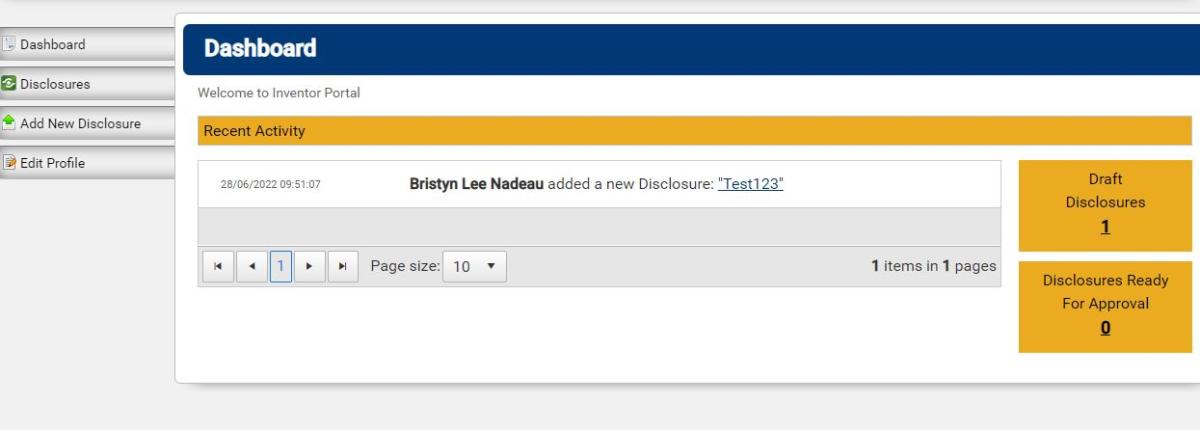
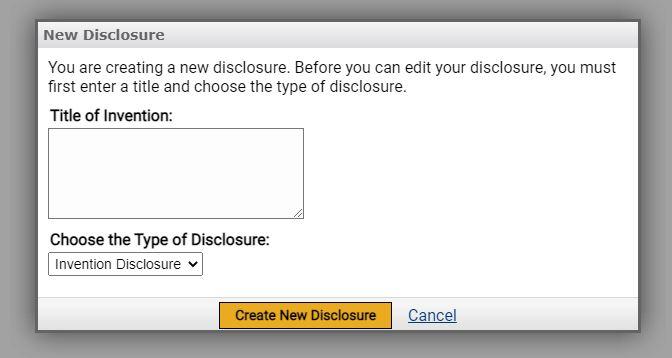
To start, click "Add New Disclosure." Add a non-confidential title for your invention and click "Create New Disclosure" in the window that appears. Once in the disclosure you will have the opportunity to edit your title if needed.
While in the application you will have the option to download your application and save it as a draft. You may save your application as a draft at any time and come back to it as many times as you want.
0
0
