
Watch a Video Walkthrough - Reducing Course File Size in Blackboard (8:36 min)
Canvas courses cannot be larger than 2GB. If you need to migrate a Blackboard course that’s 2GB or larger, you will need to reduce the size. Most issues with storage space are either one of two items:
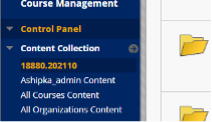
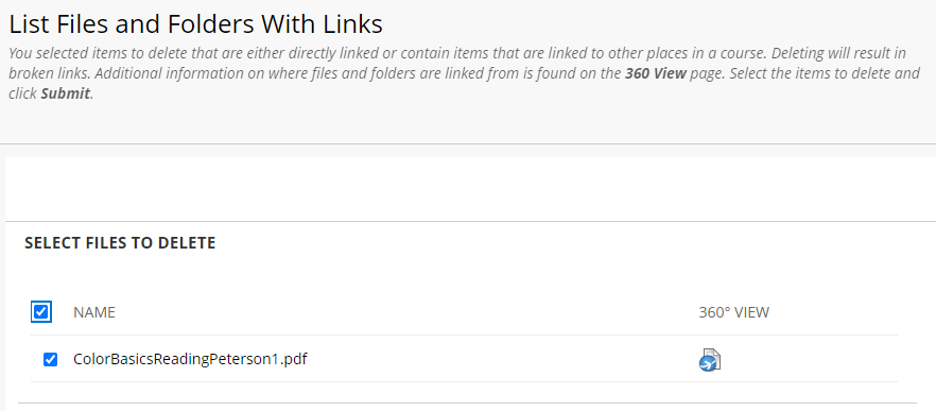
1. Blackboard duplicated content on course copy. Enter the file manager and look for duplicated content, often located within “Imported Content” folders. Delete unused duplicated content. If you have any questions about the item being used if you attempt to delete it and another screen comes up stating these files are either directly linked or linked to other places in the course, simply cancel and those files will not be deleted.
2. Video files stored in the course. Locate and download videos you wish to keep and upload them to video.kent.edu. Once the upload is complete, either add links or embeds to the videos to your course and then delete the videos in the file manager. You may wish to simply add these videos to Canvas after your migration.
If you have any questions or issues, please contact us and we will be able to help you out.
